Web Features
MESH Sourcing Marketplace
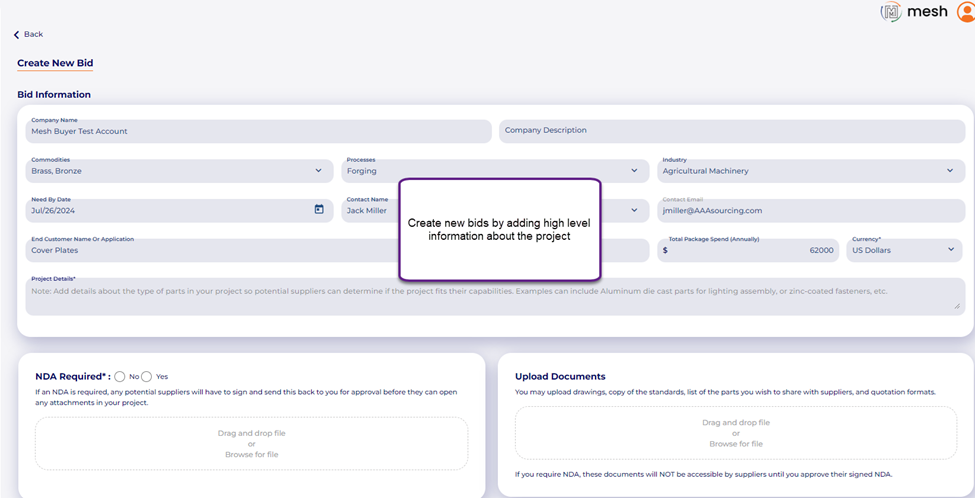
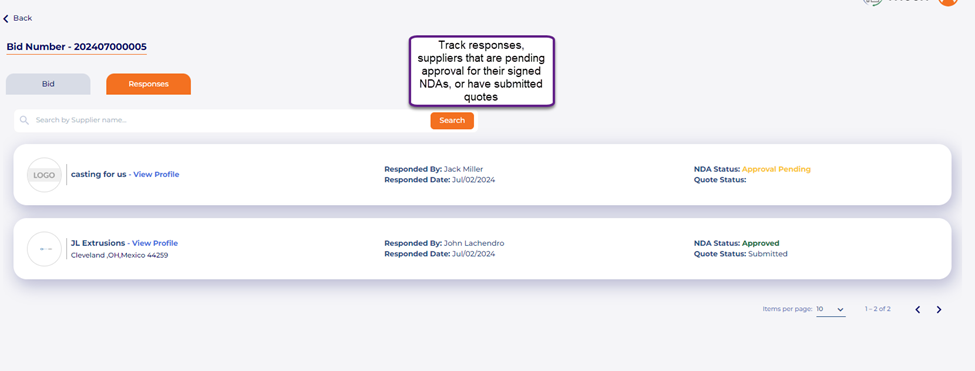
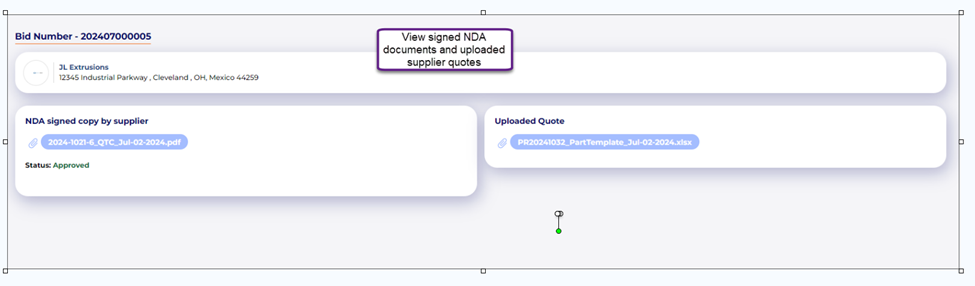
Users can upload potential projects for the MESH Sourcing database to offer competitive prices. Whether you’re looking for help on new materials and processes or simply looking to supplement your supplier base, the MESH Sourcing marketplace is a great resource to leverage thousands of suppliers in over 40 countries.
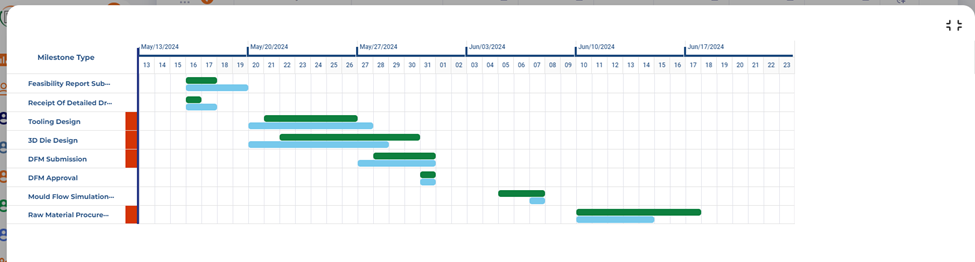
 The APQP Gantt Chart can now be expanded to display on a full screen.
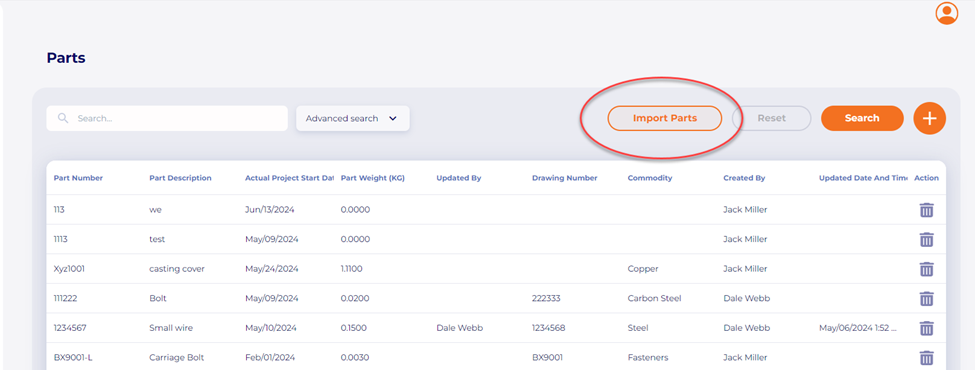
 Part Library Upload Template Users can now utilize an Excel upload template to import their parts into the Part Library.
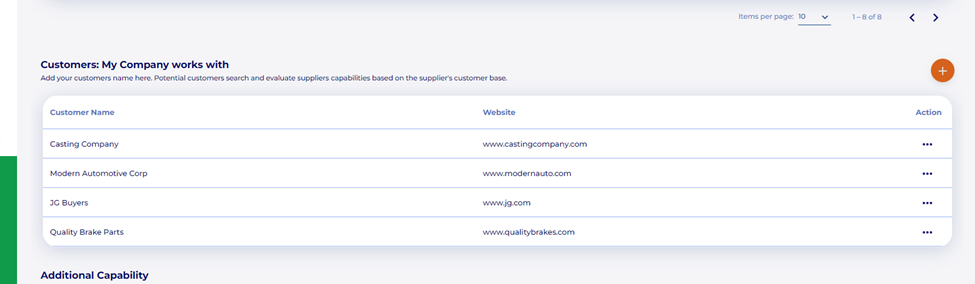
 MESH Sourcing Supplier Profiles-> Add Customers: Enabled a feature to allow users/suppliers to add their top customers to their MESH profile to showcase their capability and customer base to profile visitors/customers.
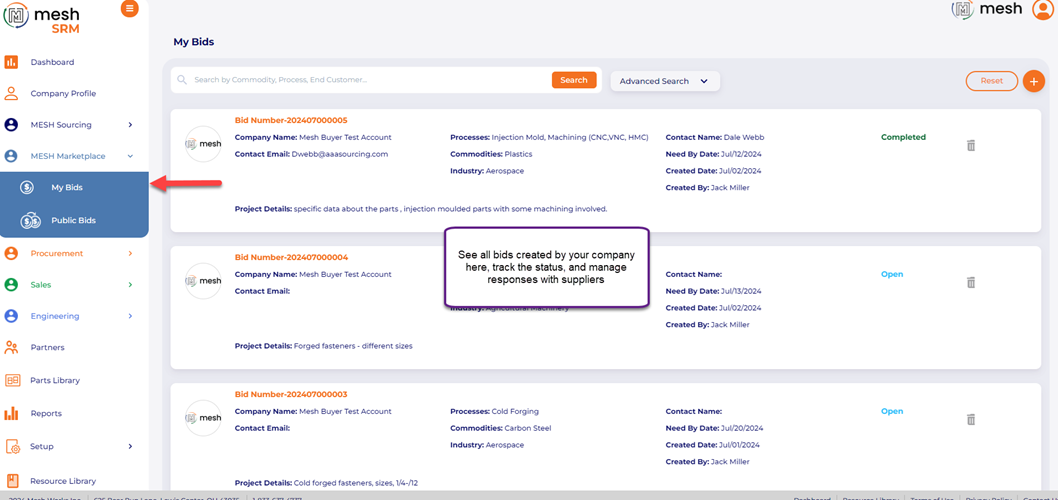
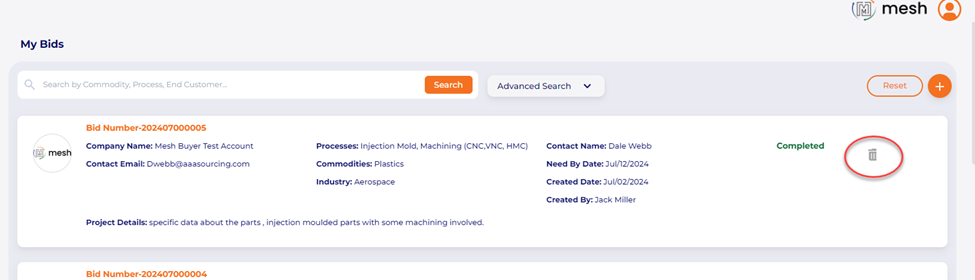
 Add Delete option in MESH Sourcing Marketplace, My Bids Page: By adding a Delete option on My Bids Page, users can delete their created Bid at any time.
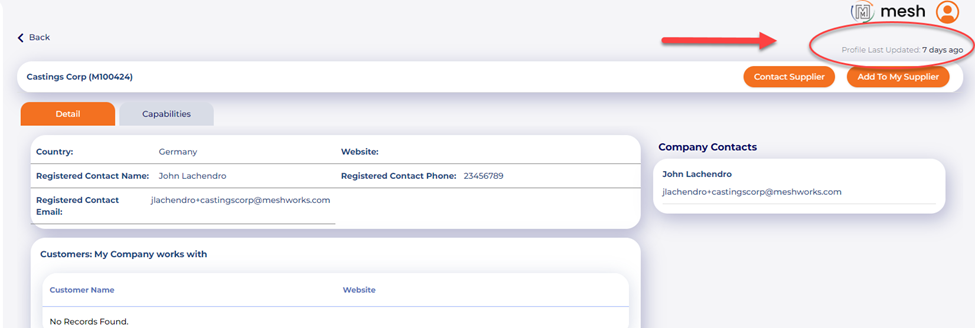
 MESH Sourcing—Validating outdated profiles: We have enabled an auto email notification to all MESH Sourcing suppliers if they have not updated their profiles within the past 180 Days (6 months).
 MESH Sourcing-> Allow users to download Audit PDFs; Users can now download the MESH audit for MESH Sourcing suppliers in PDF format.
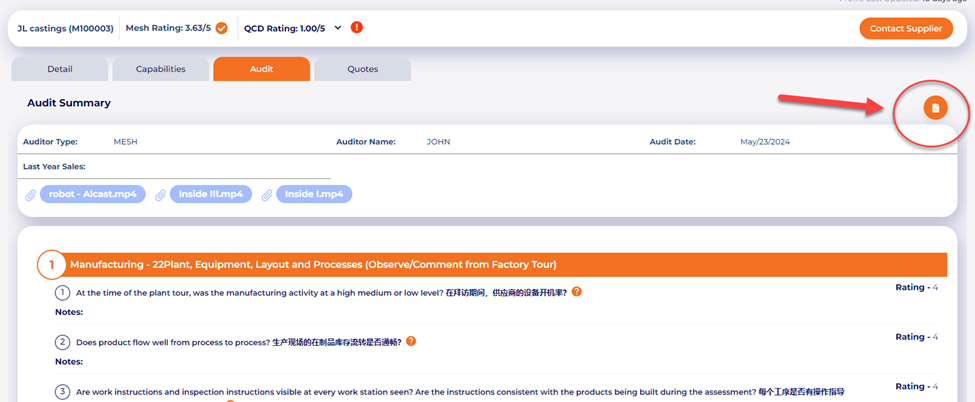
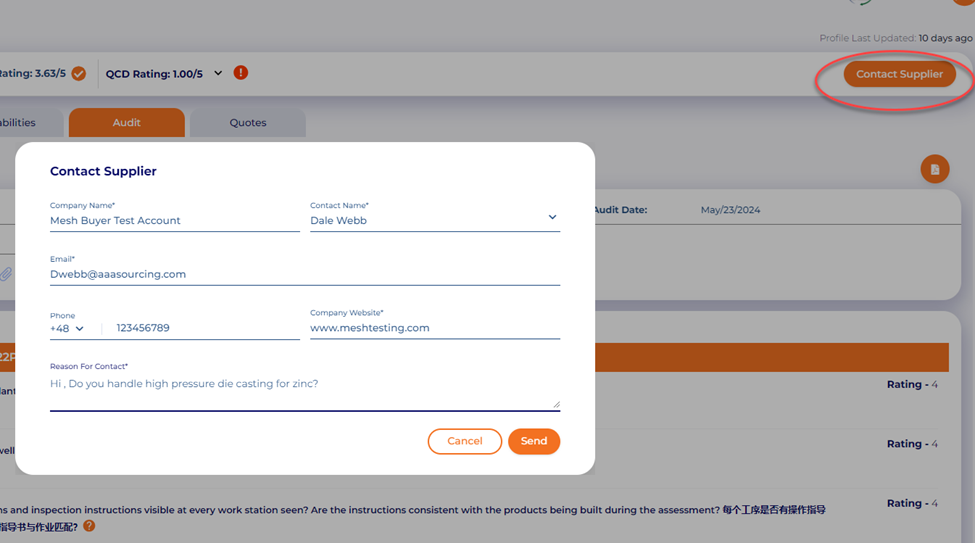
 Contact MESH Sourcing Suppliers: Customers can use a general contact form within MESH to contact MESH Sourcing suppliers.
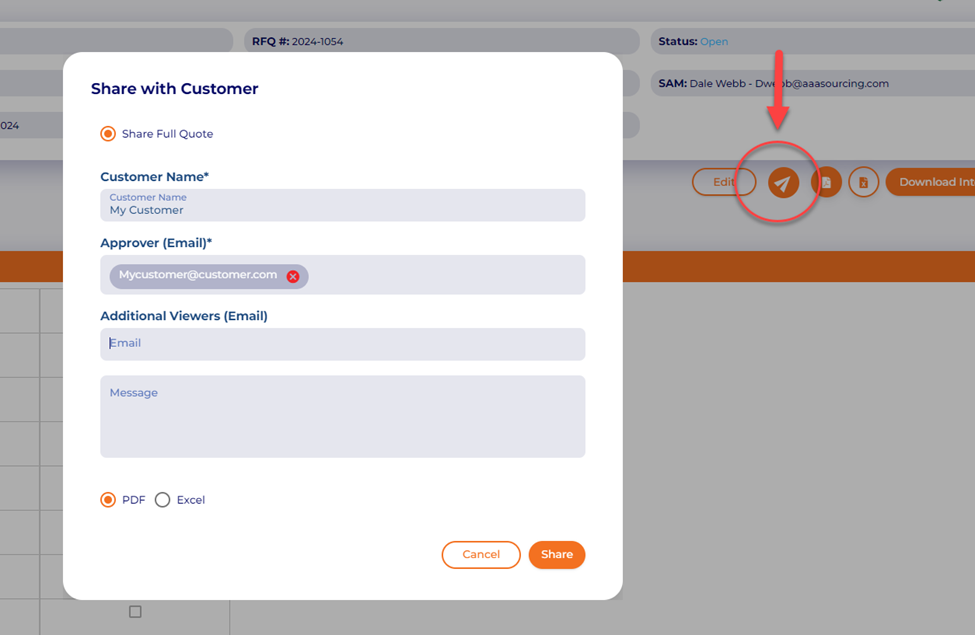
 Quote to Customer Sharing: This feature allows users to share a quote with customers with any external user and maintains a history of all sharing activities.
 List Page Filters: Added visual indicators
 Mobile Release Features
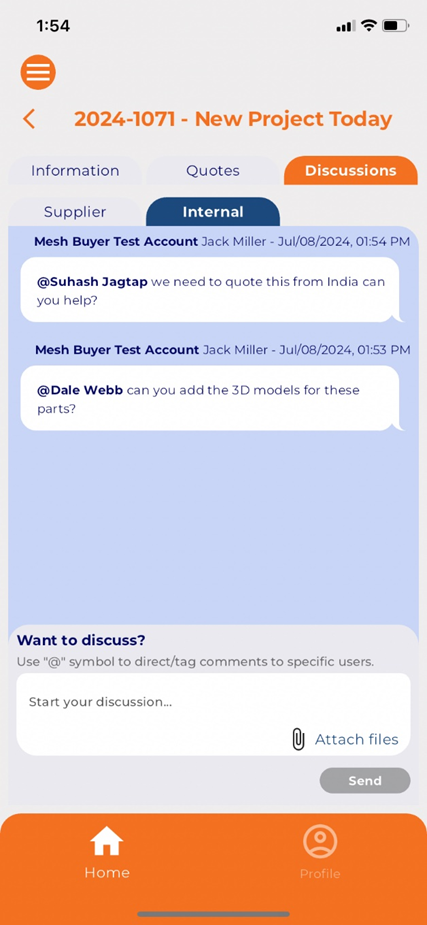
Added Internal Discussion Boards within the RFQ module for users to communicate internally, tagging users with the “@” key.
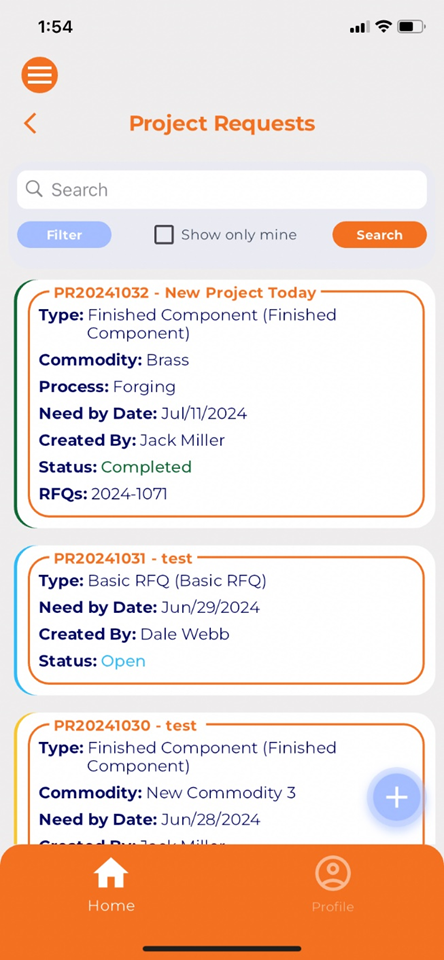
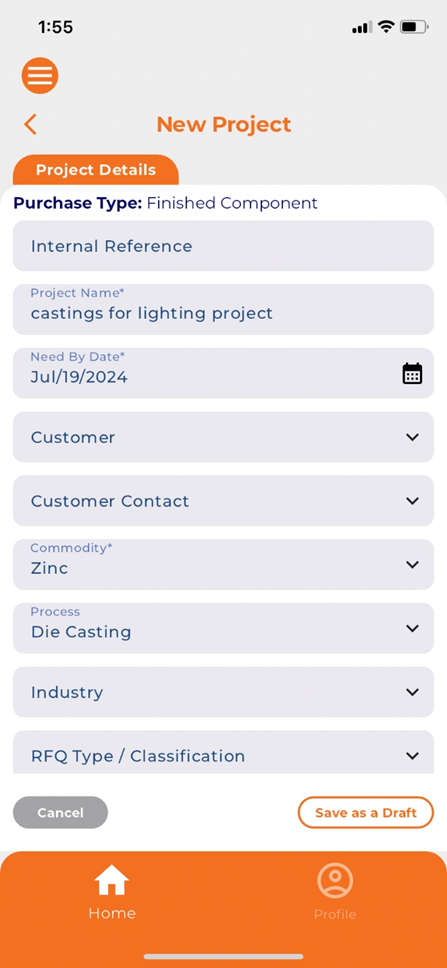
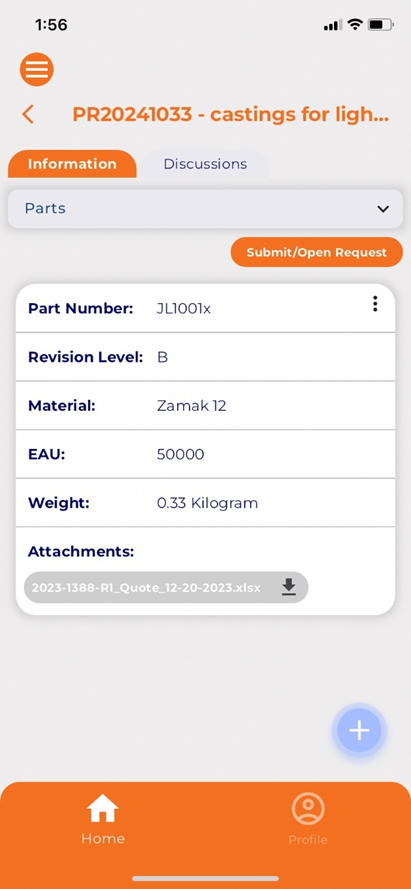
 Added Project Request creation capabilities: Users can now create new projects in MESH mobile. They can add project and part details, upload attachments, tag stakeholders, and more from the app.

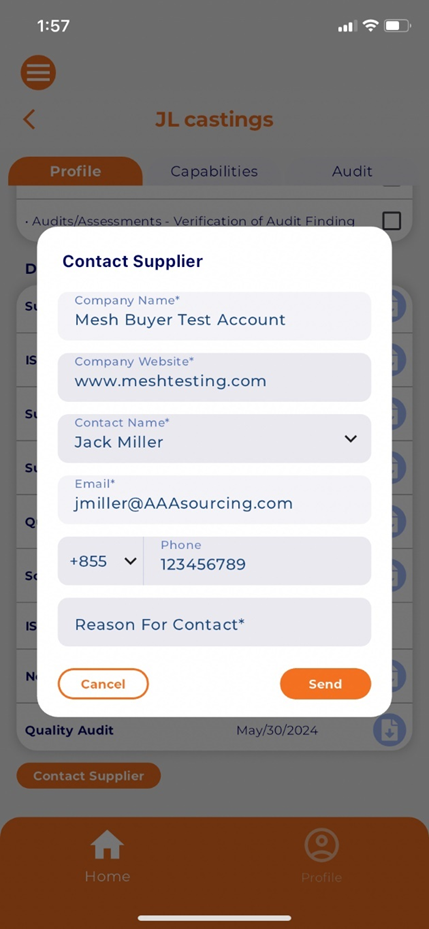
 Added Supplier Contact Us button for MESH Sourcing suppliers
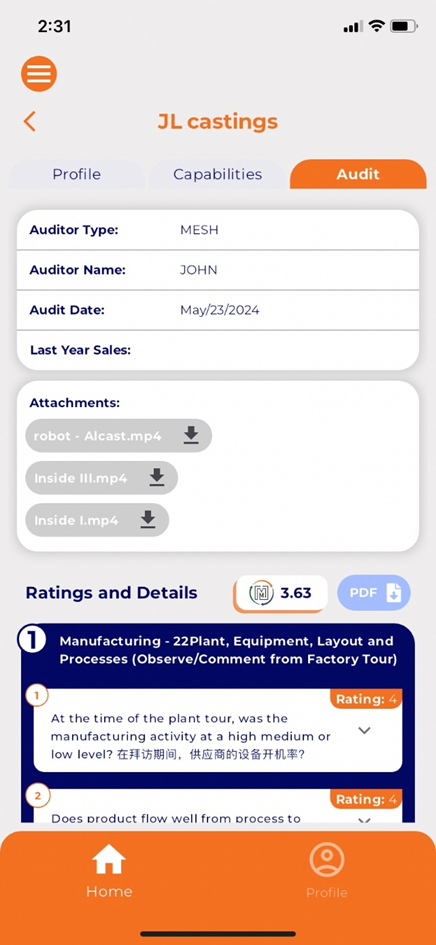
 Allow users to download MESH audits to PDF for MESH Sourcing suppliers
 Moved company setup items to a single screen to simplify customized settings.