QMS- Web Portal
Engineering module – ECN/PCN
An ECN is used to document and control changes in product design, such as modifications in specifications, materials, dimensions, or functional attributes. It’s part of Engineering Change Management (ECM), ensuring that design updates are clearly documented and approved before implementation.
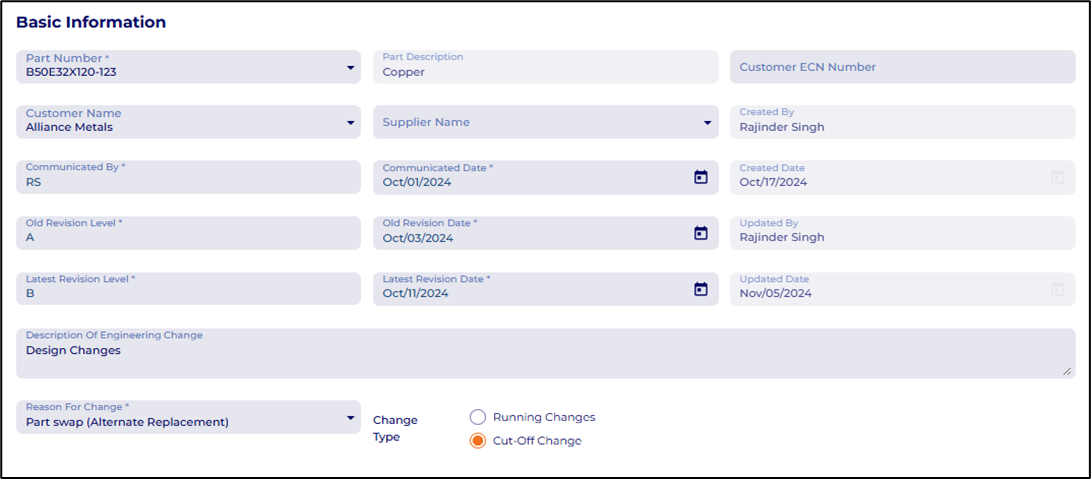
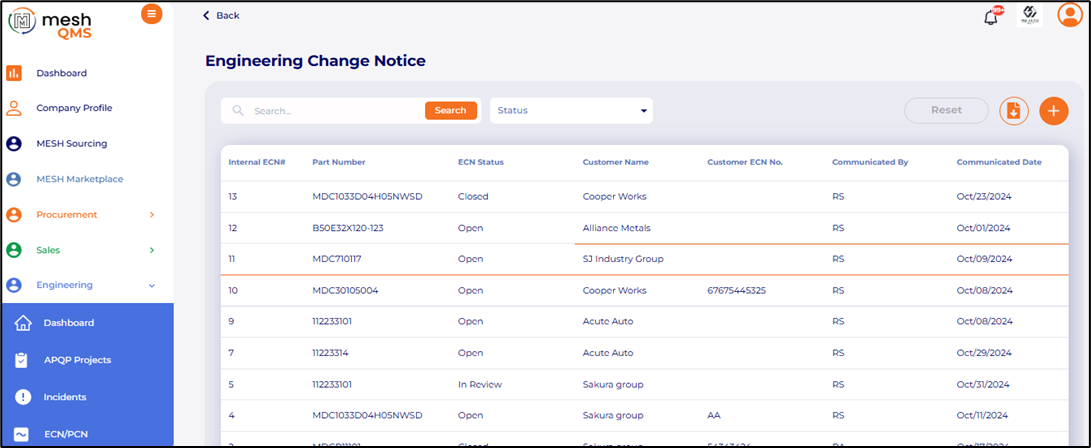 Basic Information section of the ECN includes Part number, Customer Name, Customer ECN number, Revision details, Change description and type.
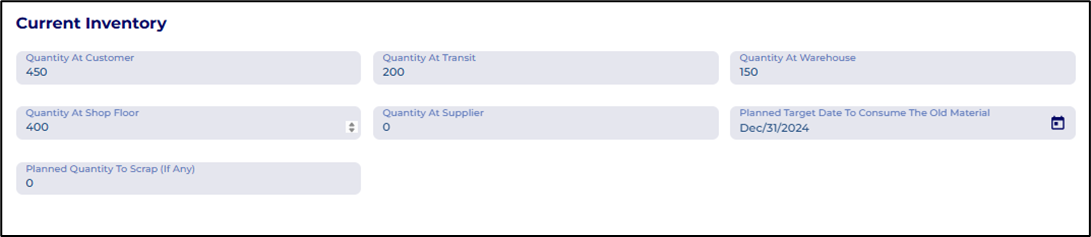
 Next, Users can fill the Current Inventory Levels section to understand the existing inventory levels for a smooth and cost-effective transition.
 Next, users can fill the details of ECN Cost section to understand the impact of change on production and supply.
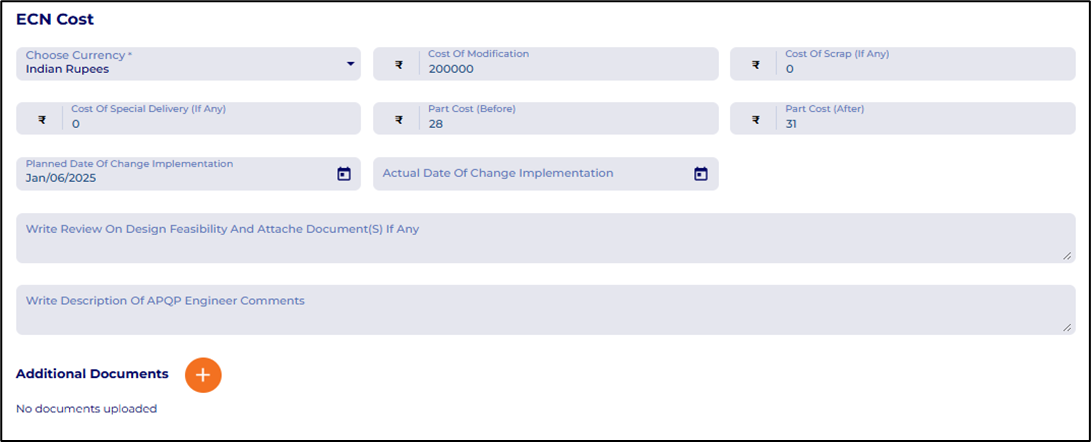 Users can attach additional documents related to feasibility study by clicking on the button.
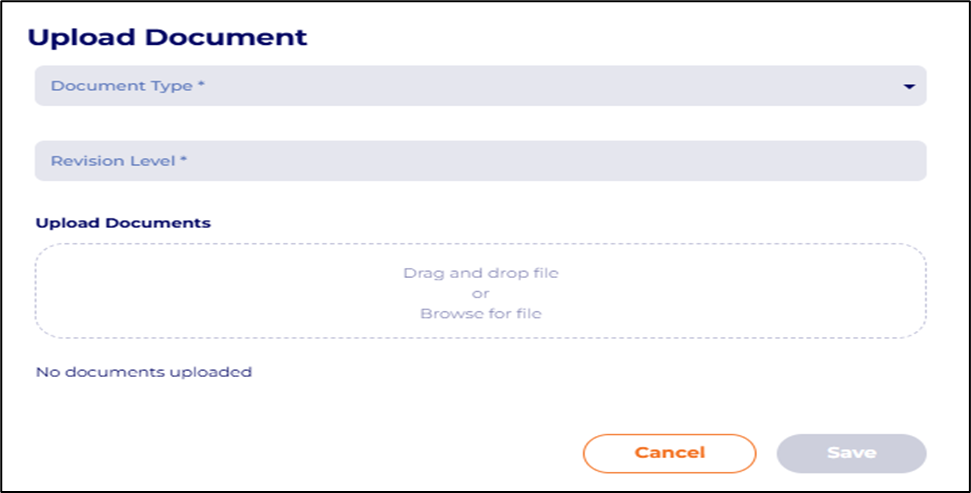
Next, in the Engineering change effects section users can upload documents by selecting the project in which the ECN is implemented and attach the documents by clicking on the button.
 The associated documents will appear in the APQP Documents tab with the corresponding ECN number tag.
The ECN then can be submitted for approval to relevant authority by clicking on the Save & Submit for approval button.
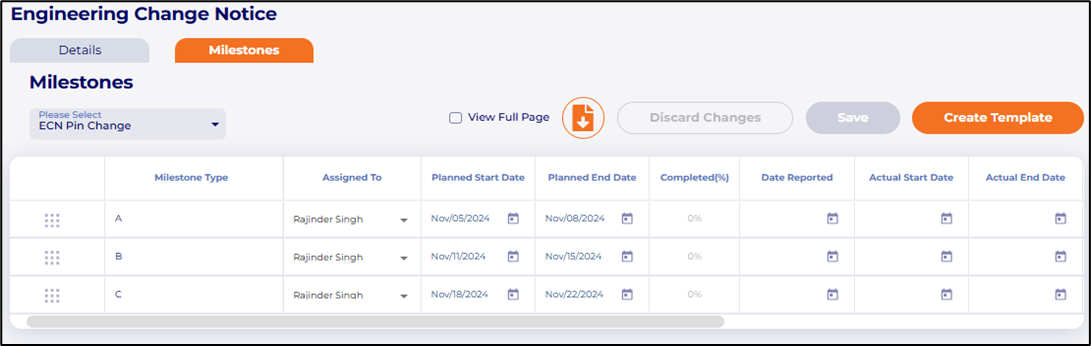
ECN – Milestone: Users can create a timeline to monitor the ECN progress
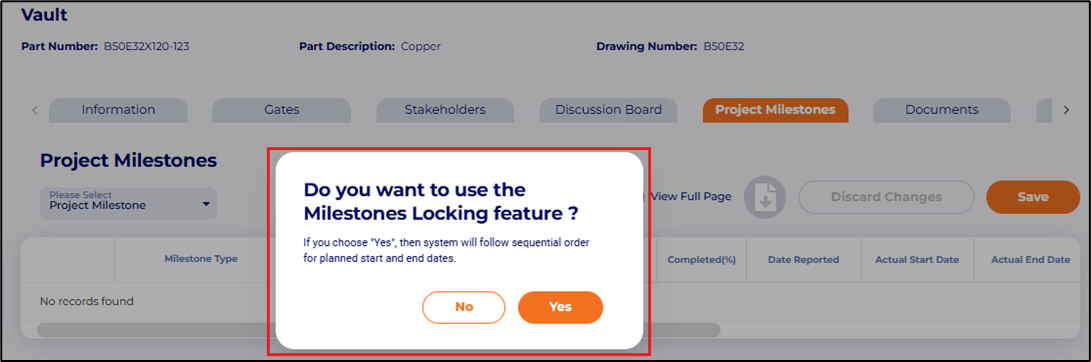
 Project Milestones – Project milestones locking
Users now have the option to run milestone activities in a sequential manner to identify overlapping dates.
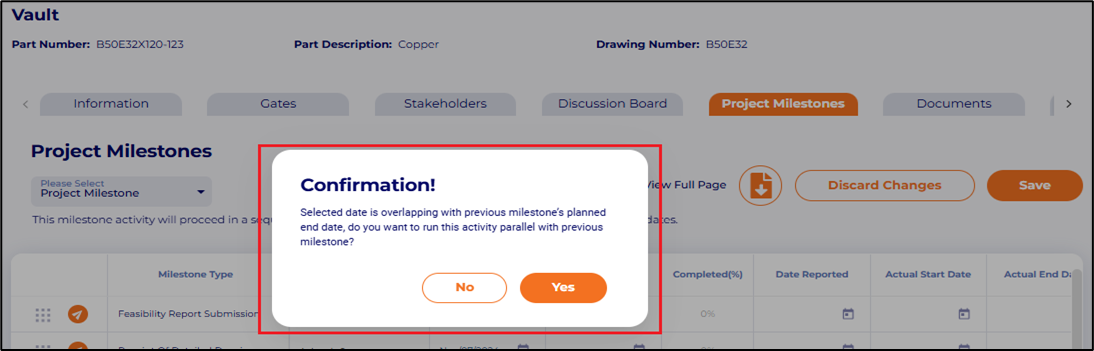
 Users are asked for confirmation if the milestone activities dates are overlapping.
 The overlapped dates are highlighted on the milestone chart.
 SRM
SRM
Project Request – Search bar made smarter
Additional parameters added to the search bar.
 Mesh Marketplace – Allow buyers to confirm or deny multiple responses at same time on bids.
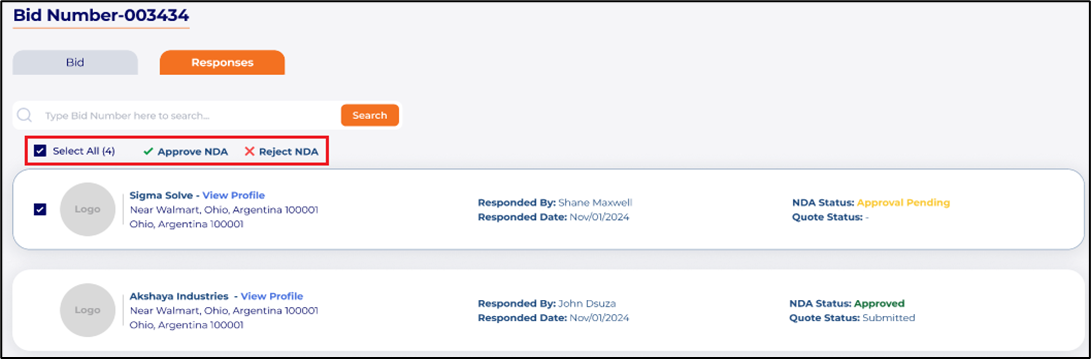 MESH Marketplace – Suppliers are directly added to My Supplier List after the buyer approves the submitted NDA
MESH Marketplace – Buyers can now add suppliers from My Supplier list while creating new bids without requiring NDA
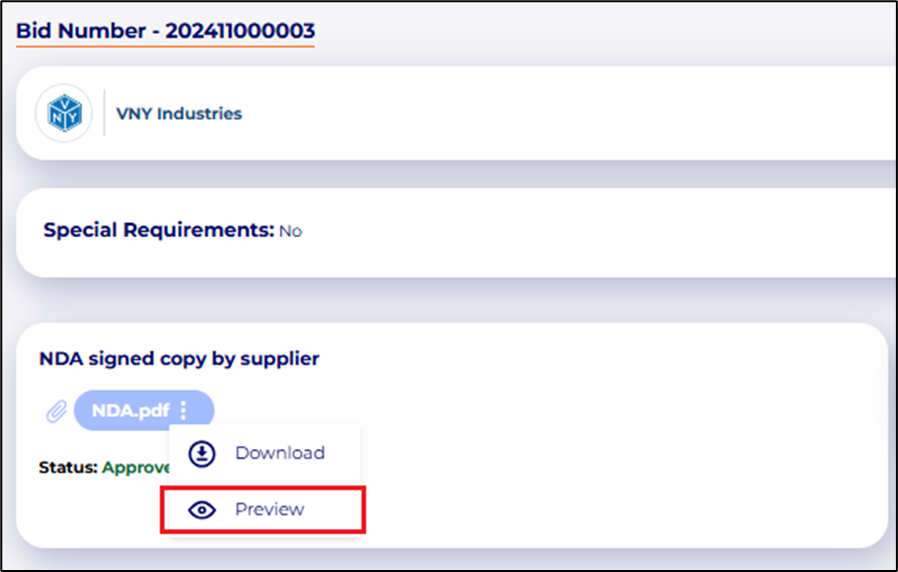
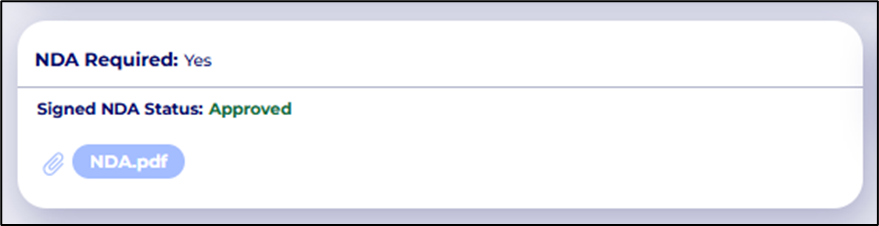 MESH Marketplace à Buyers can now preview submitted NDA’s in the portal.
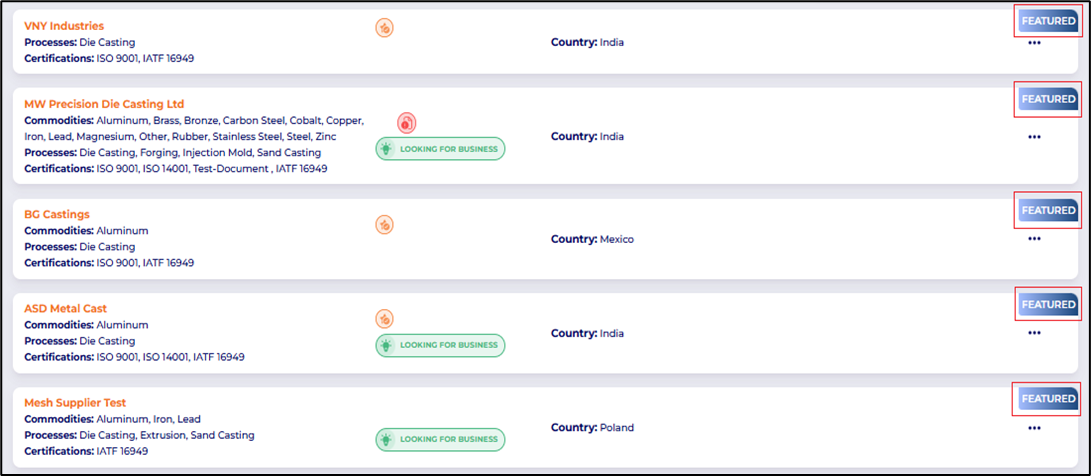
 MESH Sourcing à Upgraded Supplier Profiles are displayed on top for better visibility to buyers.
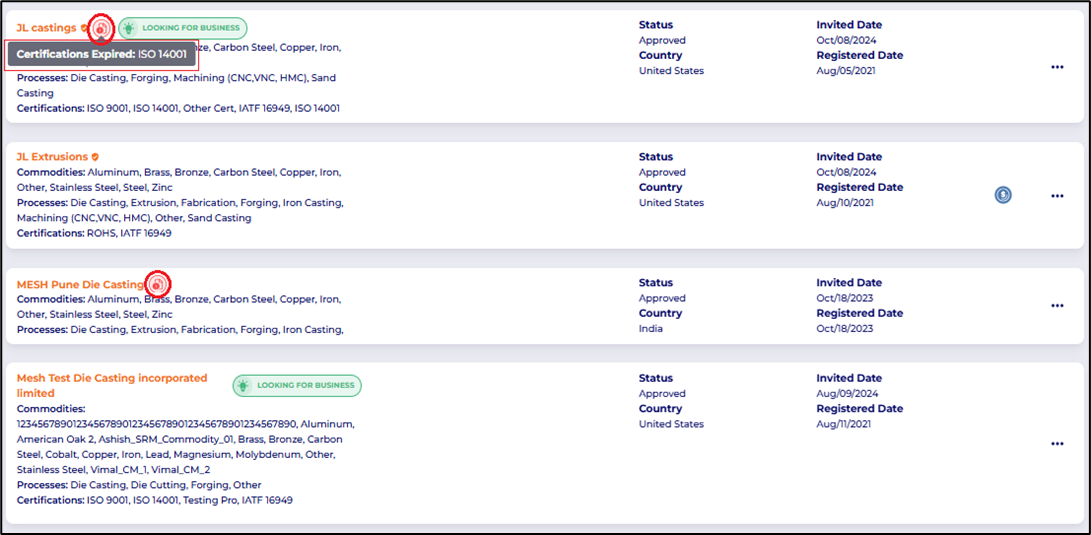
 My Partners – Supplier tiles in My Partner list now displays missing documents icon and hovering over it displays the missing document name.
 APP Development
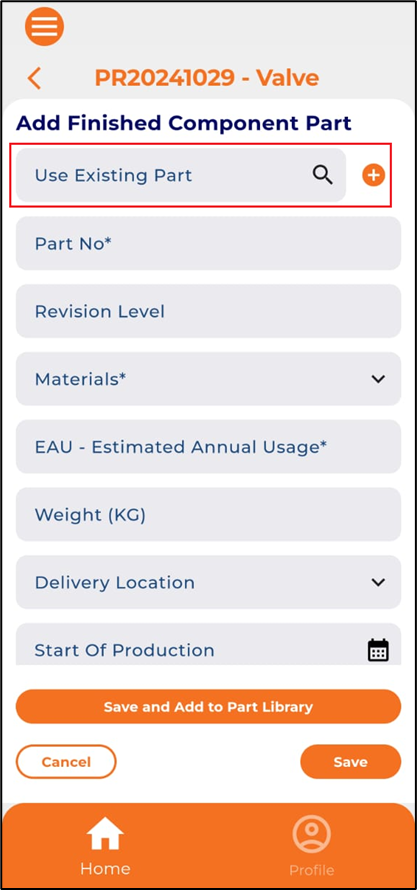
Project Request – Users can pull parts from Part library to Project request parts details section using the existing part option
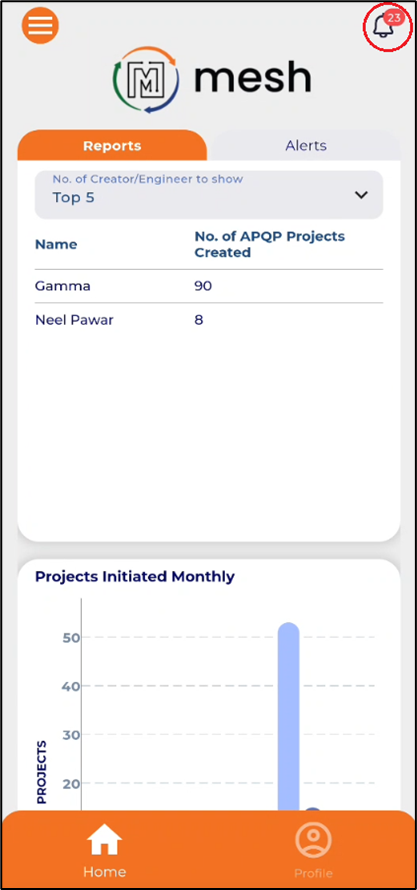
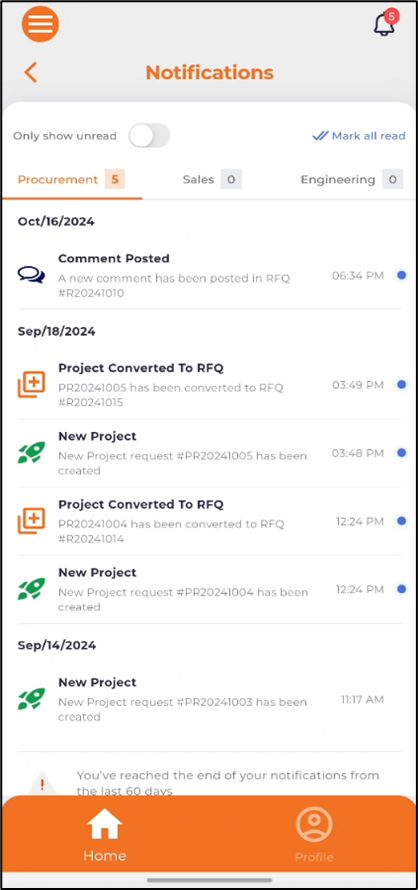
 Dashboard – Users can now view notifications by clicking on the bell icon